Download KuaDashboard
Get the latest version of KuaDashboard for your platform. The desktop app bundles everything — no need to install Node.js or run any server manually.
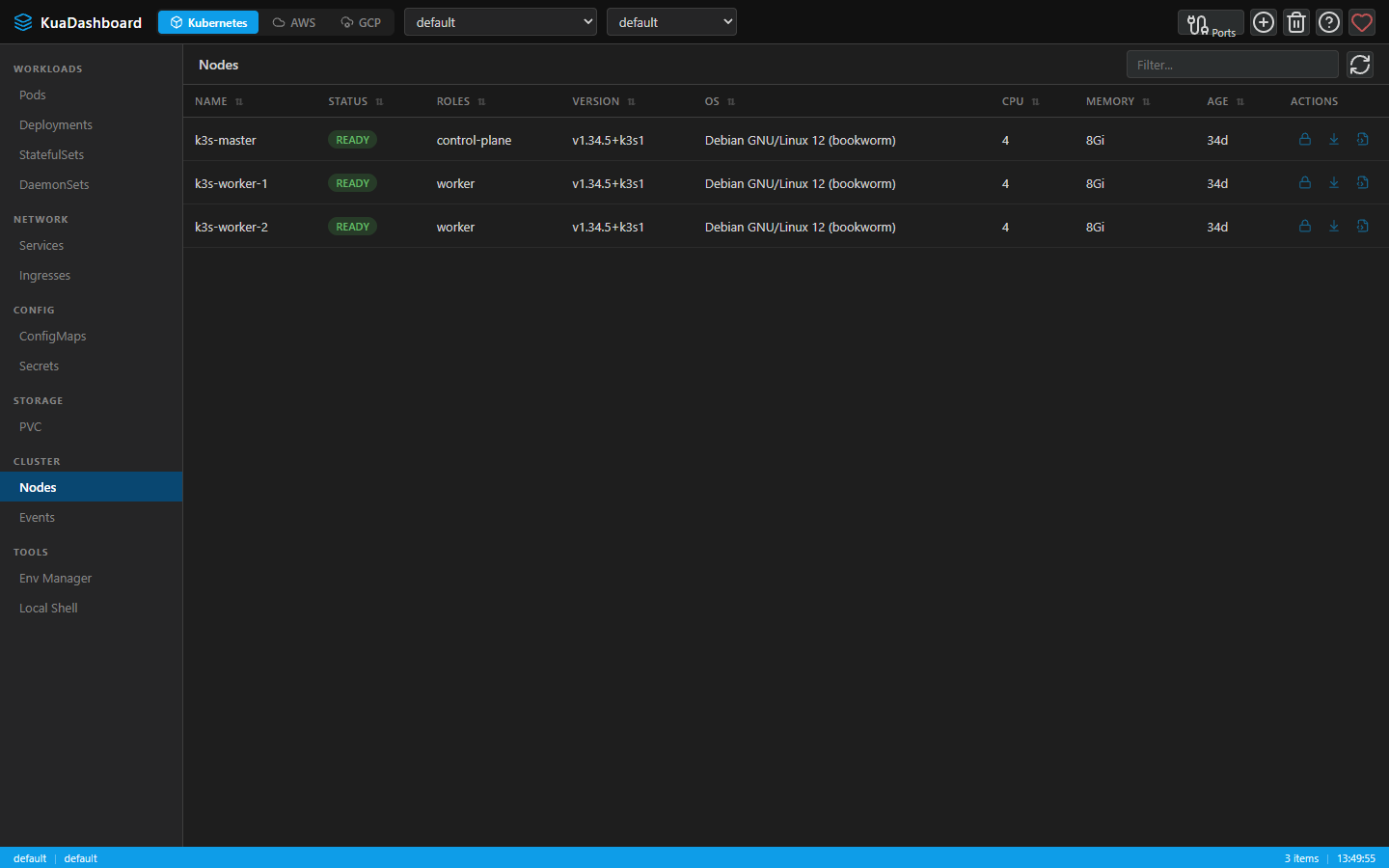
Screenshot
System Requirements
| Platform | Minimum | Architecture |
|---|---|---|
| Windows | Windows 10+ | x64 |
| macOS | macOS 12+ | x64 / Apple Silicon |
| Linux | Ubuntu 20.04+ / Debian 11+ | x64 |
Releases
Manual Installation
If you prefer to run from source:
bash
git clone https://github.com/lnavarrocarter/kuadashboard.git
cd kuadashboard
npm install
cd frontend && npm install && cd ..
npm run build:frontend
npm start
Then open http://localhost:7190.
Verify Downloads
All releases are built automatically via GitHub Actions from the source repository. You can verify the build by checking the Actions tab.
Each release includes a SHA256SUMS.txt file. Verify checksums before installation:
Checksum on Windows
powershell
Get-FileHash .\KuaDashboard-Setup-x.x.x.exe -Algorithm SHA256Checksum on macOS
bash
shasum -a 256 KuaDashboard-x.x.x.dmgChecksum on Linux
bash
sha256sum KuaDashboard-x.x.x.AppImageCompare the output hash against the entry in SHA256SUMS.txt from the same release.
First Launch
Windows
- Run the installer (
KuaDashboard Setup x.x.x.exe) - Confirm the publisher shown in the installer matches lnavarrocarter
- KuaDashboard will install and start automatically
macOS
- Open the
.dmgfile and drag KuaDashboard to the Applications folder - The app is distributed signed and notarized; Gatekeeper should allow launch normally
Optional signature checks:
bash
codesign --verify --deep --strict --verbose=2 /Applications/KuaDashboard.app
spctl -a -vv /Applications/KuaDashboard.app
Linux
AppImage
bash
chmod +x KuaDashboard-x.x.x.AppImage
./KuaDashboard-x.x.x.AppImage
Debian / Ubuntu (.deb)
bash
sudo dpkg -i kuadashboard_x.x.x_amd64.deb
# If there are missing dependencies:
sudo apt-get install -f
Then launch from the application menu or run kuadashboard from the terminal.